
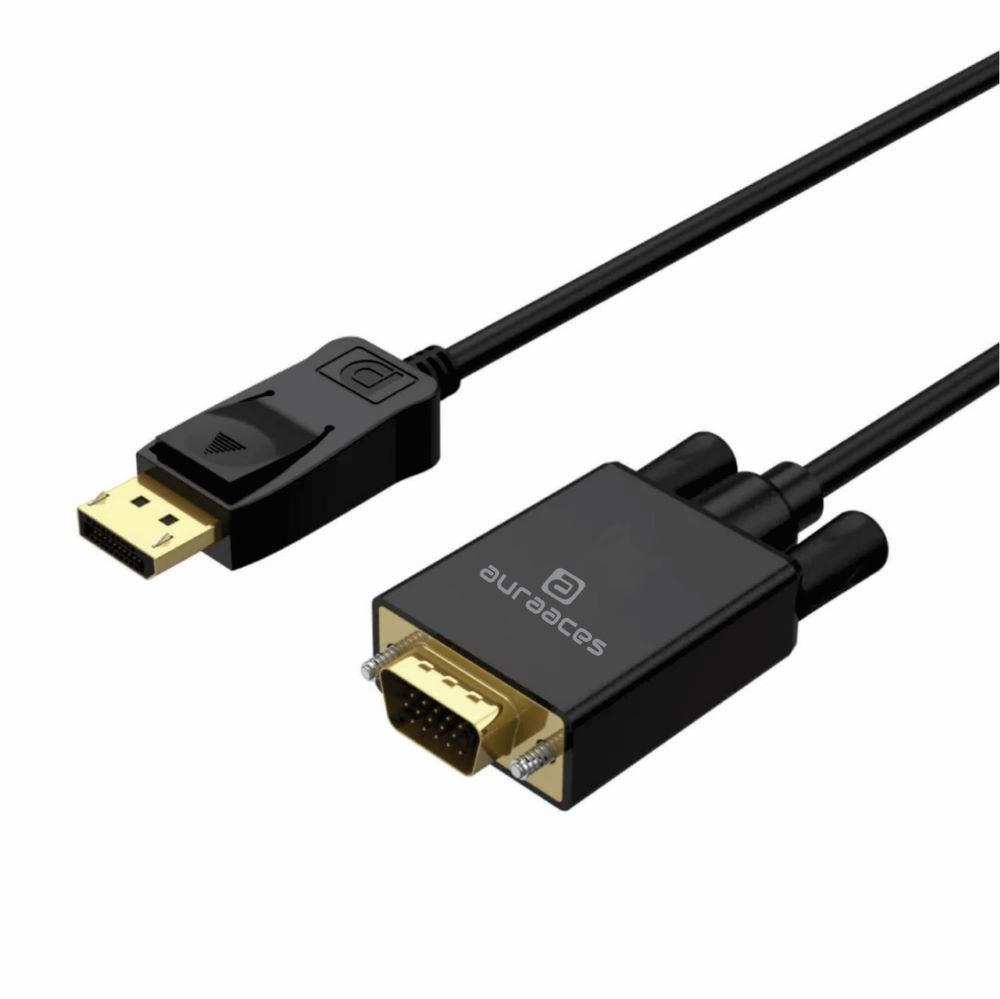
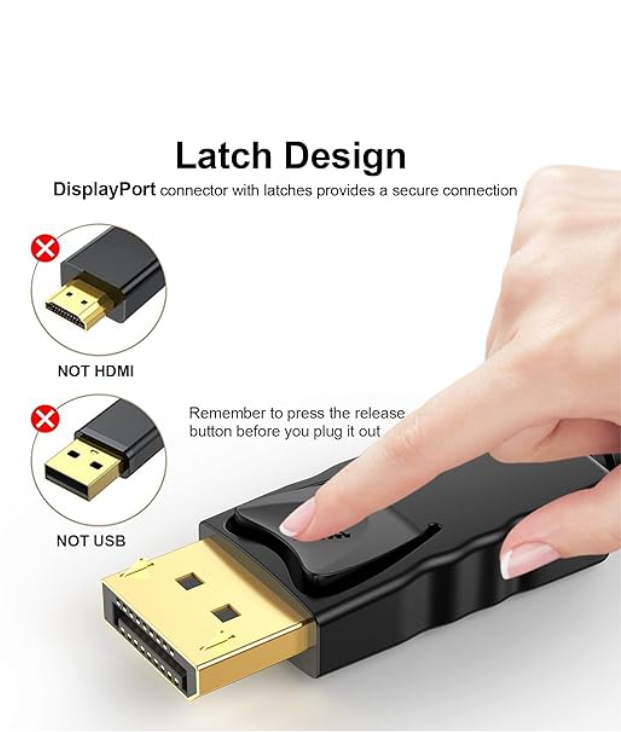
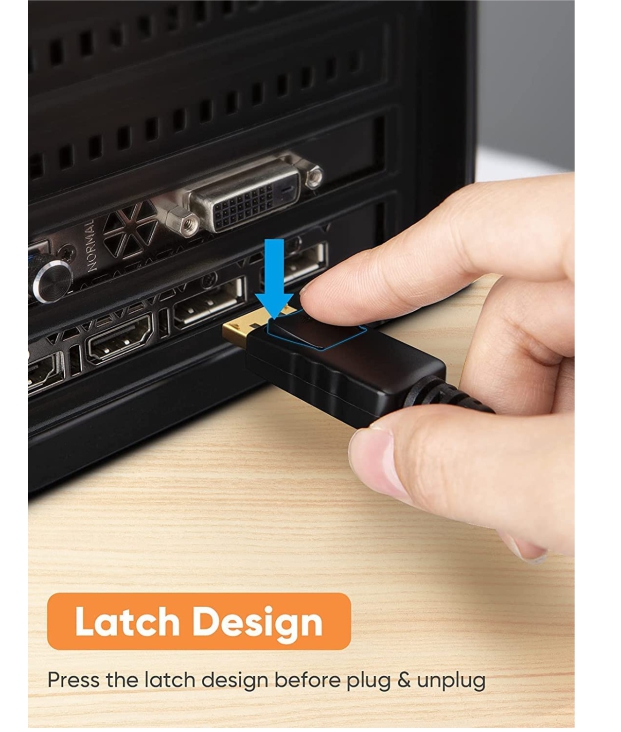
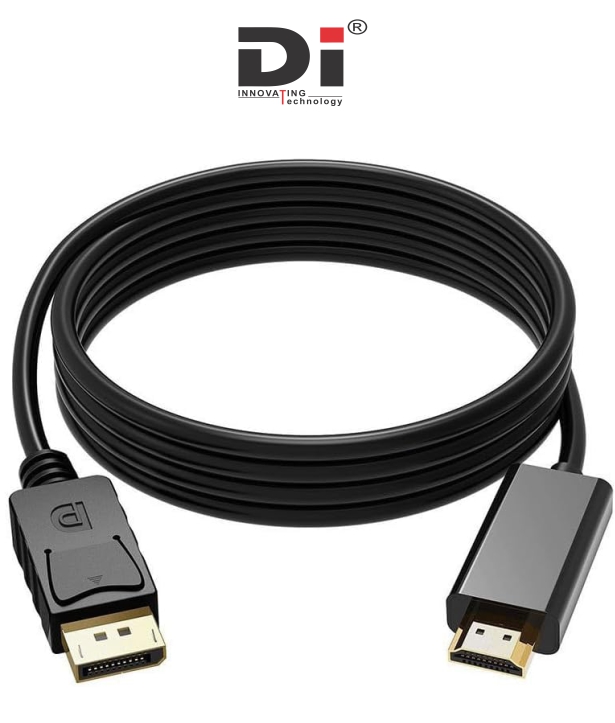
AURAACES DP TO VGA CABLE 1.8M

AURAACES DP TO VGA CABLE 1.8M — describing what it does, how it works, and what you should expect (or check) before using. Because I couldn’t find a public spec sheet for “AURAACES” specifically, this is based on how standard DP→VGA cables are designed.
AURAACES DP TO VGA CABLE 1.8M — describing what it does, how it works, and what you should expect (or check) before using. Because I couldn’t find a public spec sheet for “AURAACES” specifically, this is based on how standard DP→VGA cables are designed.
📺 What the cable does — functionality & purpose
-
Converts Digital → Analog Video: This cable connects a device with a DisplayPort (DP) output (PC, laptop, graphics card, docking station) to a display — monitor, projector, or older VGA-only screen — that has only a VGA (analog) input.
-
Supports Standard Resolutions: A 1.8 m active DP-to-VGA cable typically supports up to 1920×1080 (Full HD) @ 60 Hz, often even up to 1920×1200, depending on the display’s capabilities.
-
Single-Cable Solution (No Extra Adapters Needed): The conversion electronics (digital-to-analog) are built into the cable — you don’t need a separate box/converter. You just plug DP male on the PC side, VGA male on the monitor/projector side.
-
Plug-and-Play, OS-Agnostic: The cable works without special drivers on Windows, macOS, Linux — the conversion happens in hardware internally.
⚠️ Key Limitations & What to Check
-
One-way only: DP → VGA: It will not convert VGA back to DP; it's only for devices that output DP. Trying reverse (VGA output → DP input) won’t work.
-
Video only — no audio over VGA: VGA is analog video only. Audio will not be passed — if you need sound, you’ll need separate/wired audio output.
-
Requires active conversion (DP digital → VGA analog): Because DP signals are digital and VGA is analog, the cable must contain a built-in converter (“active cable / adapter”) to do this translation. Passive “just wires” won’t work.
-
Dependent on source & display compatibility: Your computer must have a DisplayPort output, and your monitor/projector must accept VGA input. Also, some older or exotic devices — or very high-resolution displays — may not work ideally.
-
Signal quality limited by VGA / analog output: Even though you may get Full HD resolution, analog VGA output won’t match modern digital outputs (HDMI/DP) for quality, color depth or features (no HDR, no audio, limited refresh).
🎯 When this cable is useful
-
If you have a modern PC/laptop with only DisplayPort output, but a monitor or projector that only supports VGA.
-
For connecting old monitors, projectors, or VGA-only displays — especially in offices, schools, meeting rooms, or older setups.
-
For simple tasks (desktop, documents, video up to 1080p) where ultimate digital quality or audio via display isn’t essential.
-
When you want a clean, minimal setup without bulky external adapters; a single DP-to-VGA cable does the job.

















Add A Review
Your email address will not be published. Required fields are marked
Your Rating *
You need to Login OR Register