Di OPC DRUM PC-412

Login to View Price (Incl. GST)

dislable

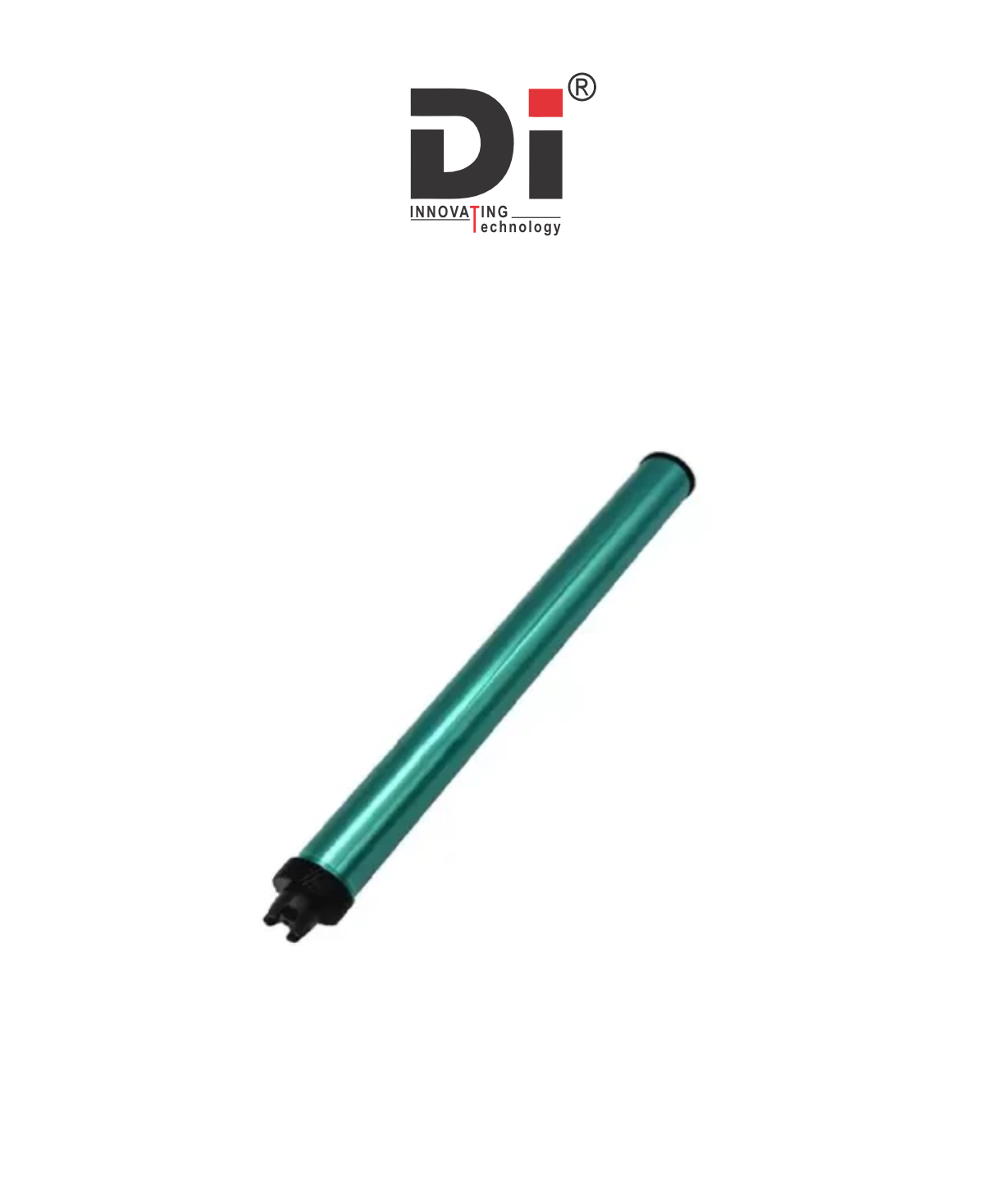
The DI OPC Drum PC-412 is a specific type of Organic Photoconductor (OPC) drum used in certain printers, primarily within the Canon or Kyocera printer models. The PC-412 is an essential component of the toner cartridge, playing a vital role in the imaging process of laser printers.

Purpose of the DI OPC Drum PC-412:

The OPC Drum is responsible for transferring toner onto paper to create printed images or text. Here's how it works in the printing process:

  1. Laser Exposure: The printer's laser beam projects an image onto the surface of the OPC drum, which creates an electrostatic charge pattern on the drum.
  2. Toner Attraction: The drum, being electrically charged in certain areas, attracts toner from the toner cartridge.
  3. Transfer to Paper: As the paper moves through the printer, the toner on the drum is transferred to the paper, forming the final printout.
Product ID:

The DI OPC Drum PC-412 is a specific type of Organic Photoconductor (OPC) drum used in certain printers, primarily within the Canon or Kyocera printer models. The PC-412 is an essential component of the toner cartridge, playing a vital role in the imaging process of laser printers.

Purpose of the DI OPC Drum PC-412:

The OPC Drum is responsible for transferring toner onto paper to create printed images or text. Here's how it works in the printing process:

  1. Laser Exposure: The printer's laser beam projects an image onto the surface of the OPC drum, which creates an electrostatic charge pattern on the drum.
  2. Toner Attraction: The drum, being electrically charged in certain areas, attracts toner from the toner cartridge.
  3. Transfer to Paper: As the paper moves through the printer, the toner on the drum is transferred to the paper, forming the final printout.

Common Printers Using the DI OPC Drum PC-412:

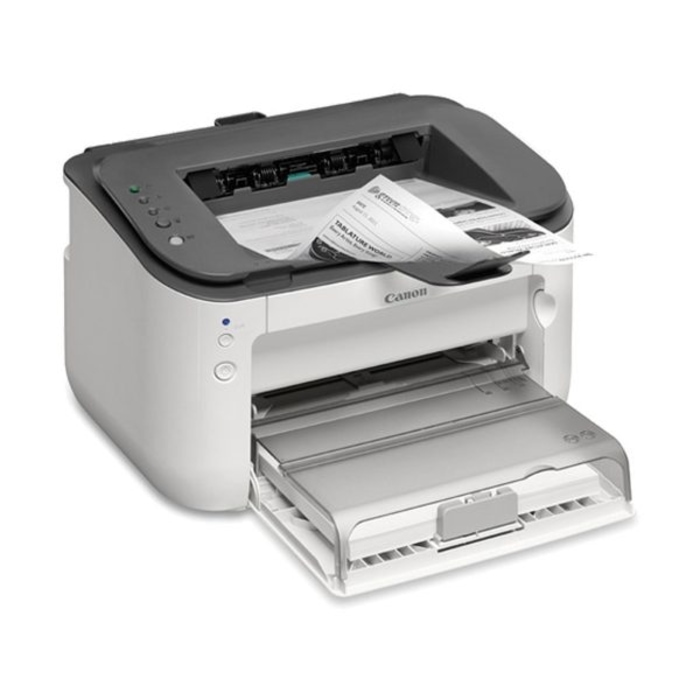
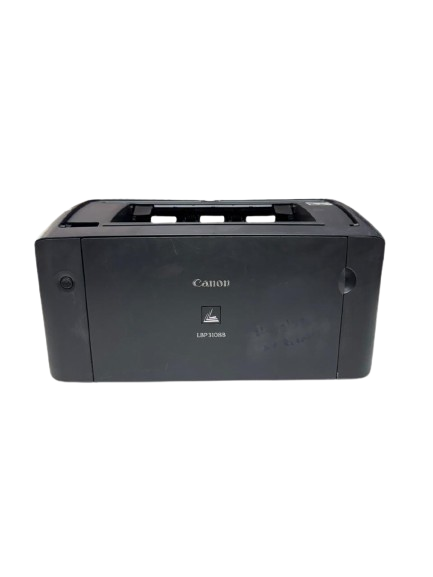
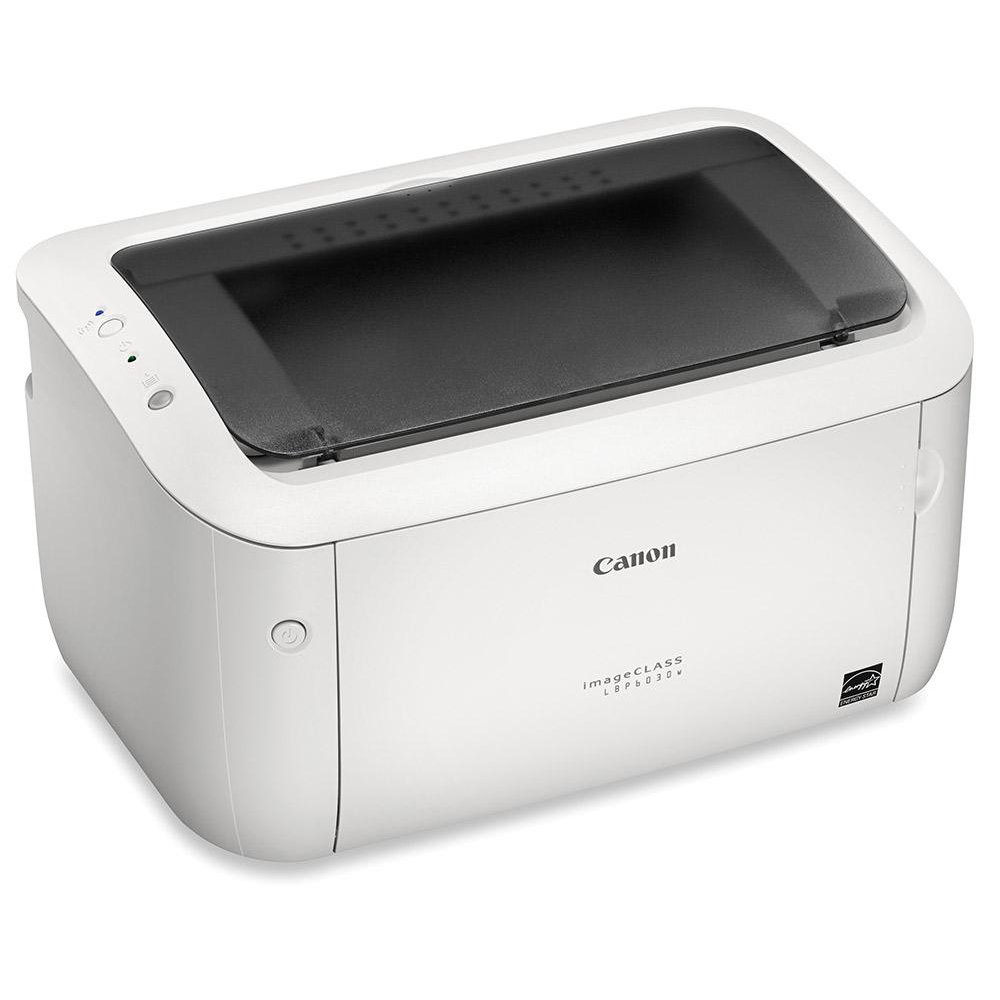
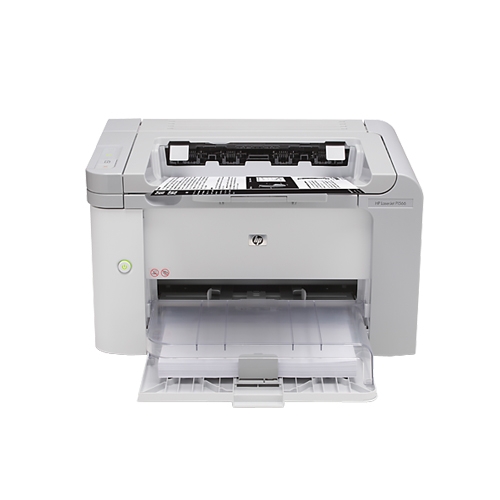
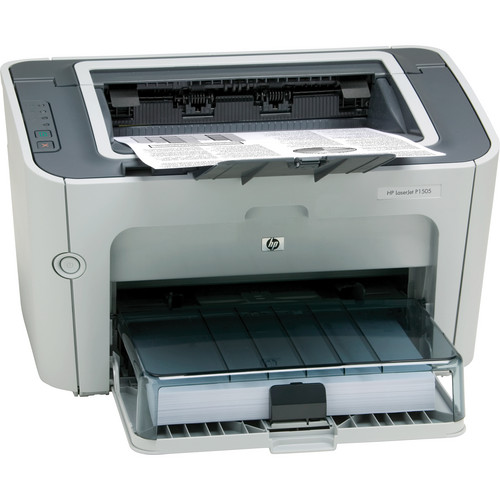
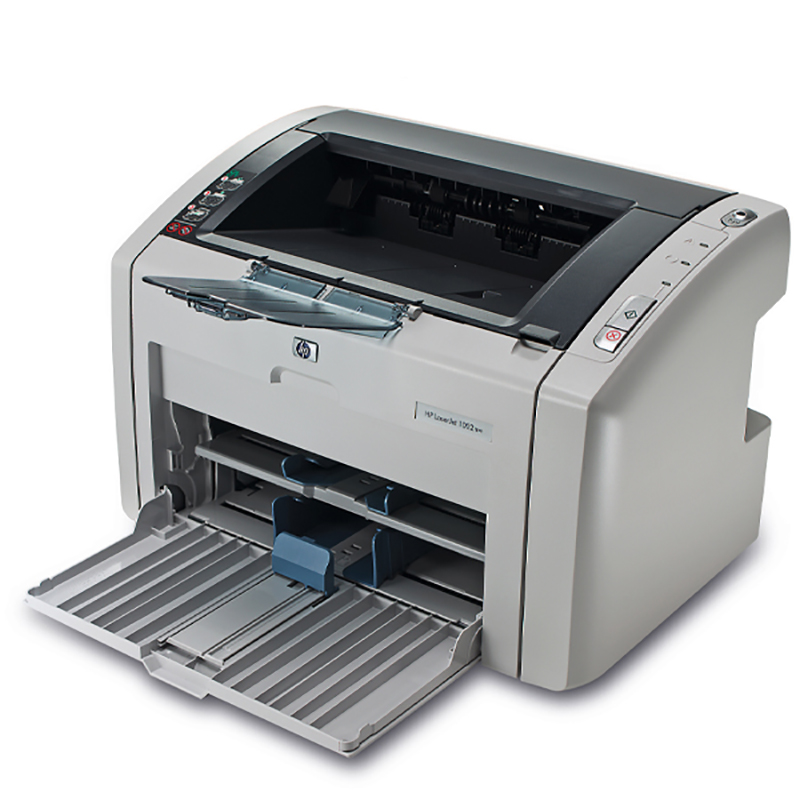
The PC-412 OPC drum is often associated with Kyocera or Canon printers. It is commonly used in models such as:

  • Kyocera FS-1120, FS-1320, or similar models (though this can vary depending on the specific printer series).
  • Canon printers and copiers that use this specific drum as part of the toner cartridge assembly.

Symptoms of a Faulty DI OPC Drum PC-412:

If the PC-412 OPC drum is worn or damaged, you may experience the following issues in your prints:

  • Faded or Light Prints: The drum might not be transferring toner properly, causing faint or incomplete prints.
  • Streaks or Lines: You might see streaks, lines, or uneven toner distribution on the page.
  • Ghosting: A worn drum may leave residual toner on the paper, causing faint duplicate images (ghosting).
  • Print Quality Issues: Prints may appear blurry or distorted due to improper toner application.
  • Paper Jams: If the OPC drum is misaligned or malfunctioning, it can cause paper jams or feed issues.

Replacing the DI OPC Drum PC-412:

If you need to replace the DI OPC Drum PC-412, here's a general guide for doing so:

  1. Turn Off the Printer: Always ensure the printer is powered off and unplugged before replacing any parts.
  2. Remove the Toner Cartridge: Open the printer's front cover and carefully remove the toner cartridge.
  3. Remove the OPC Drum: The OPC drum is usually inside the toner cartridge. Gently remove it, making sure not to touch the surface of the drum, as oils or dirt from your fingers can damage it.
  4. Install the New OPC Drum: Insert the new PC-412 OPC drum into the toner cartridge, ensuring it is properly aligned and seated in place.
  5. Reassemble the Toner Cartridge: Once the drum is in place, reassemble the toner cartridge.
  6. Reinstall the Cartridge: Put the reassembled toner cartridge back into the printer.
  7. Test the Printer: Turn the printer on and run a test print to ensure everything is functioning properly and print quality is restored.

Add A Review

Your email address will not be published. Required fields are marked

Your Rating *

You need to Login OR Register

Overall Ratting:- 0

Based on 0 Comments