
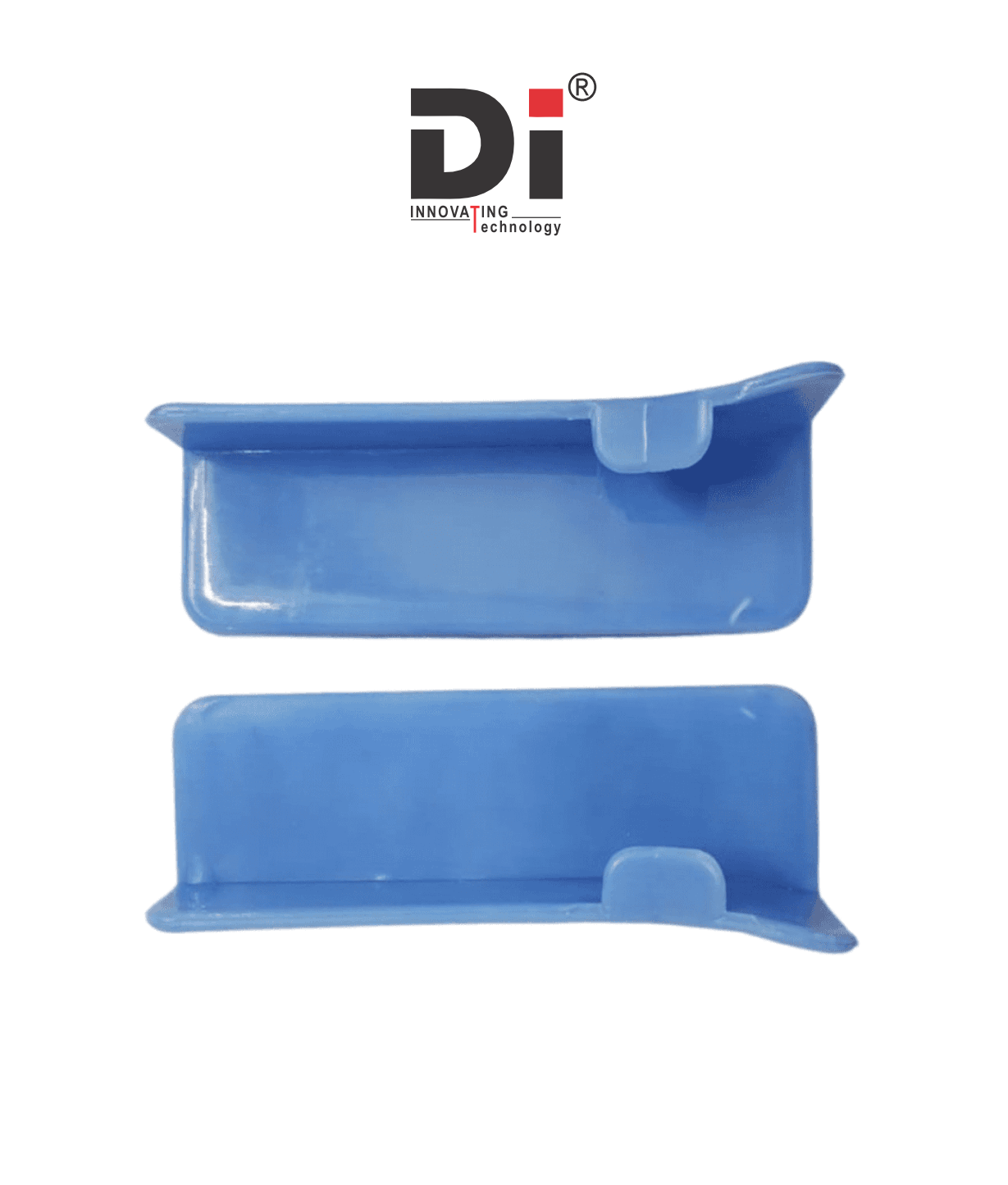
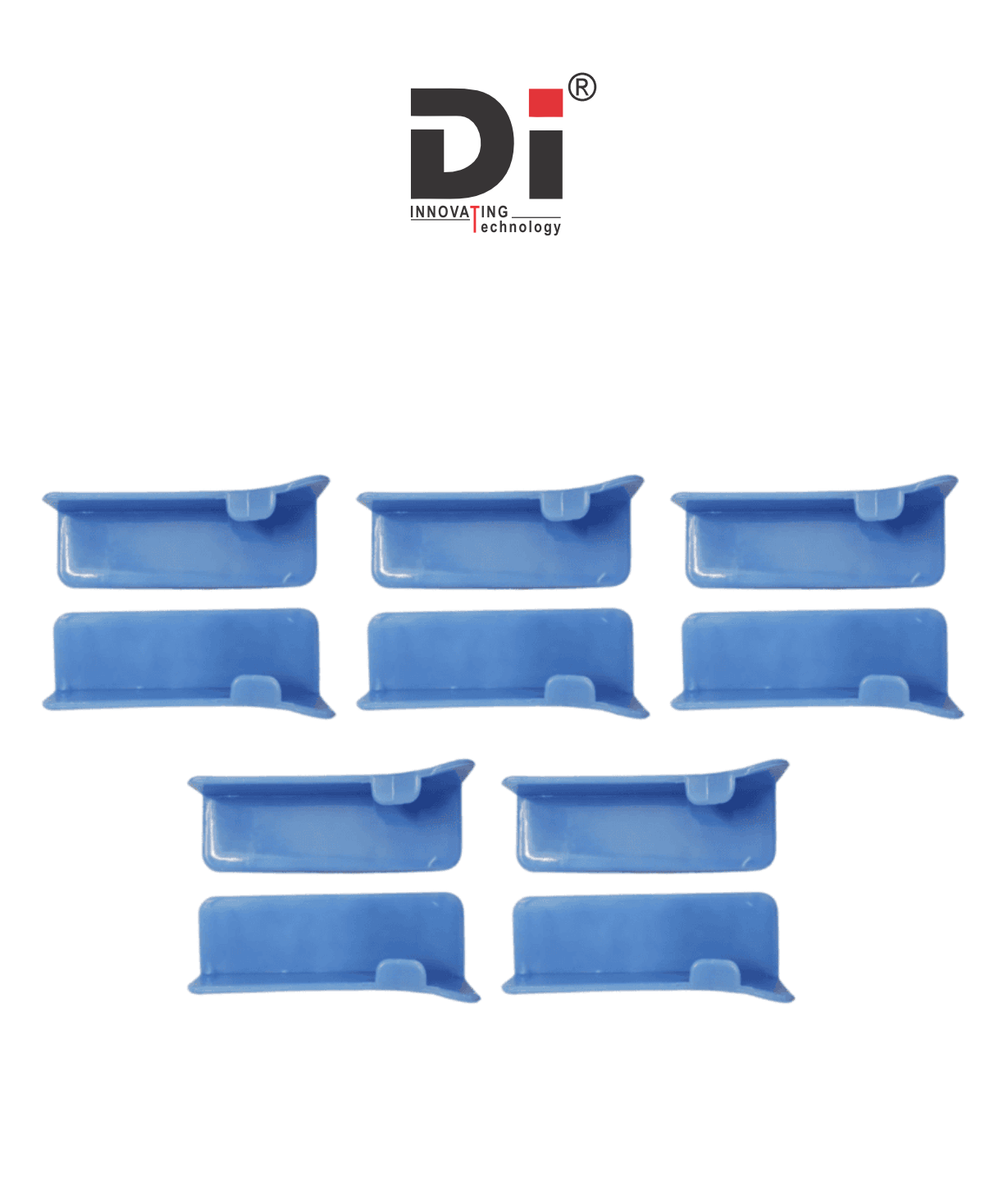
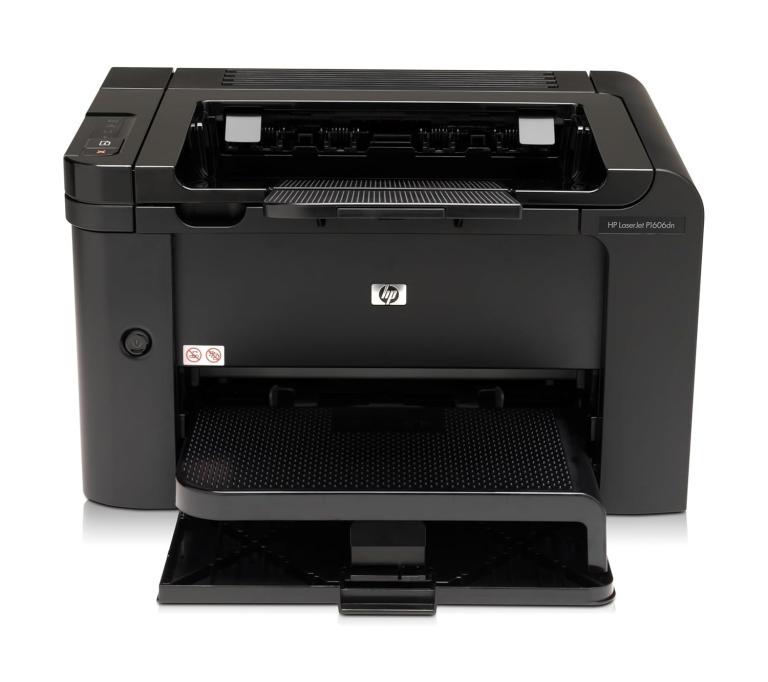
The Paper Adjustment Lever on printers like the HP LaserJet 1020 (LJ1020) and HP LaserJet M1005 is an important component that helps adjust the paper tray to accommodate different paper sizes and ensure smooth feeding of the paper.
Here's a bit more detail on the paper adjustment mechanism for both of these models:
HP LaserJet 1020:
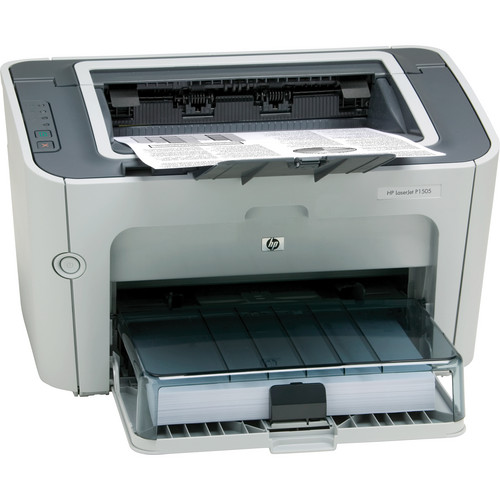
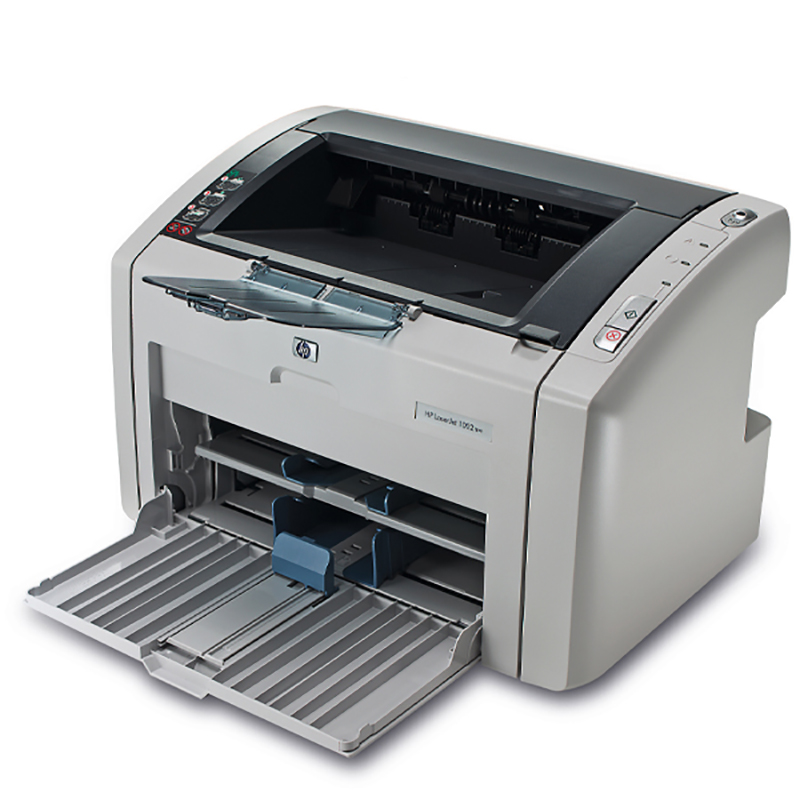
- This printer typically features a paper tray that includes a lever to adjust the paper guides for different sizes of paper (A4, letter, etc.). The paper adjustment lever allows you to slide the paper tray guides to fit the edges of the paper and prevent misfeeds.
HP LaserJet M1005:
- Similar to the LJ1020, the M1005 also comes with an adjustable paper tray. The paper adjustment lever is used to modify the tray's paper guides to suit various paper sizes, ensuring that the paper stays aligned as it enters the printer.
Common Issues with the Paper Adjustment Lever:
- Jammed Paper: If the lever is not adjusted correctly, it can cause the paper to misfeed or get jammed.
- Inaccurate Paper Sizing: If the lever does not properly adjust to the paper size, the printer might fail to detect the correct paper size, leading to print errors.
.png)



















Add A Review
Your email address will not be published. Required fields are marked
Your Rating *
You need to Login OR Register