
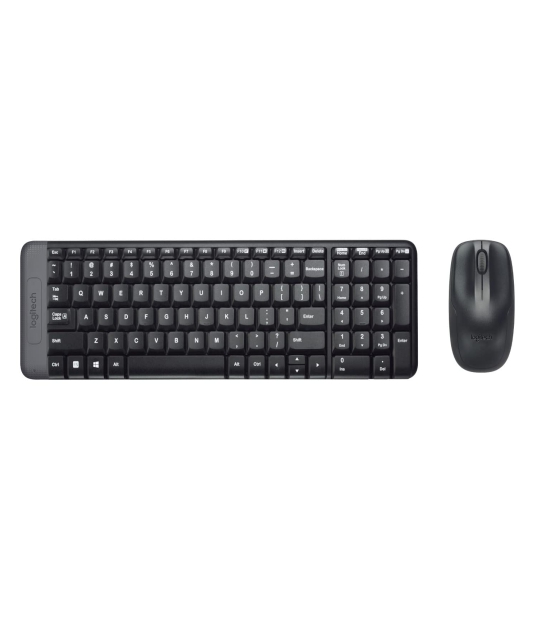
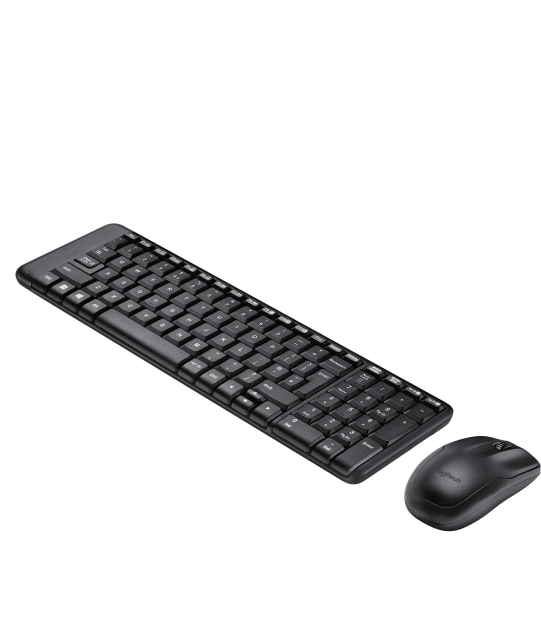
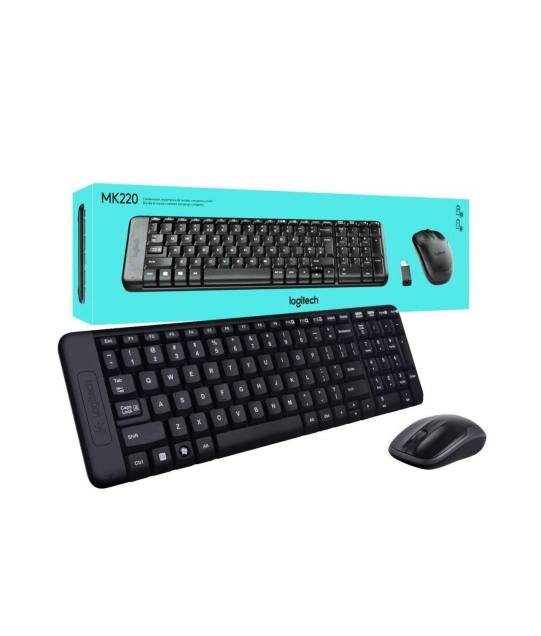
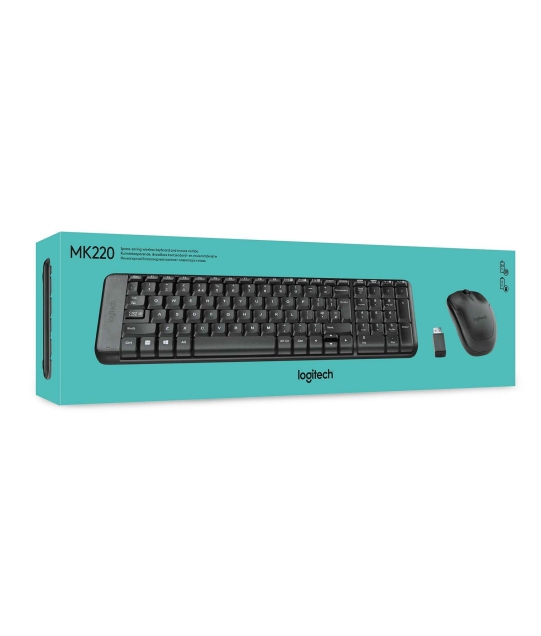
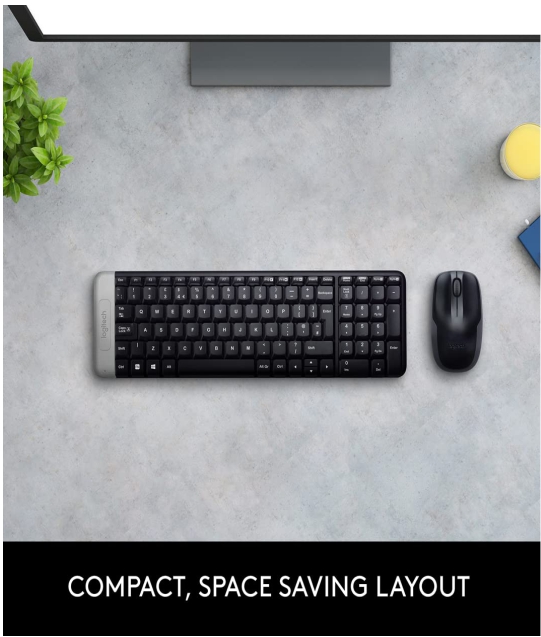
LOGITECH KEYBOARD MOUSE WIRELESS MK220

Here’s a quick overview of Logitech MK220 Wireless Keyboard and Mouse Combo — what it offers and how it stacks up.
✅ Main Features & What’s Good
-
Compact & space-saving design: Though small, the keyboard retains a full-size layout including a number pad. tpstech.in+2tsikart.in+2
-
Wireless freedom: Uses a 2.4 GHz USB nano receiver for wireless connection, giving a usable range of around 10 meters (≈ 33 ft). The Computer Mega Store+1
-
Plug-and-play — no drivers needed: Just plug the USB receiver into your laptop/PC and you’re ready to go. Silicon Computer+1
-
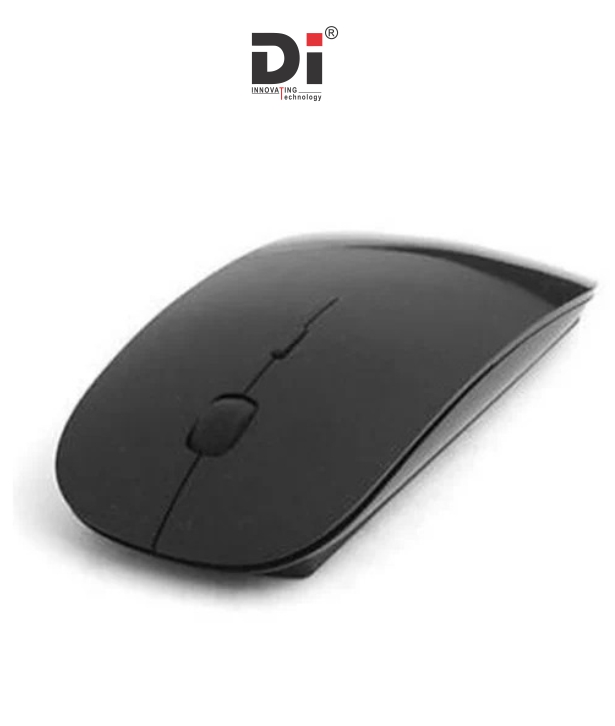
Quiet typing & easy mouse control: Low-profile keys for quieter typing; the mouse features a smooth optical sensor and 3-button layout. tpstech.in+1
-
Long battery life: Up to 24 months for keyboard, up to 5 months for mouse (on regular alkaline batteries), thanks to power-saving auto-sleep. Robu.in+1
-
Good for everyday/home use: Suitable for desktops/laptops; works well for browsing, office work, light usage, data entry — especially convenient if you want a minimalist setup or travel frequently. datamation.in+1
⚠️ Limitations / What to Keep in Mind
-
The keyboard & mouse use a device-specific receiver. If you lose or damage the USB dongle, you can’t simply substitute another — setup won’t work. Reddit+1
-
It does not come with backlit keys or any advanced/programmable features — so power users or gamers may find it basic.
-
The combo uses batteries (AAA for keyboard, AA for mouse), so you’ll need to replace them eventually (though not often).
🧑💻 Best For
-
Home office / laptop users who want a compact, wireless, plug-and-play solution.
-
Students, office-goers, or light-to-medium PC users who don’t need fancy gaming or mechanical-keyboard features.
-
Anyone wanting a minimal, clutter-free workstation setup.
If you like — I can quick compare MK220 vs 2–3 other Logitech wireless combos (e.g. more ergonomic or feature-rich) so you see whether MK220 is still the “best bang for buck” for you.
Do you want me to build that comparison now?
Here’s a quick overview of Logitech MK220 Wireless Keyboard and Mouse Combo — what it offers and how it stacks up.
✅ Main Features & What’s Good
-
Compact & space-saving design: Though small, the keyboard retains a full-size layout including a number pad. tpstech.in+2tsikart.in+2
-
Wireless freedom: Uses a 2.4 GHz USB nano receiver for wireless connection, giving a usable range of around 10 meters (≈ 33 ft). The Computer Mega Store+1
-
Plug-and-play — no drivers needed: Just plug the USB receiver into your laptop/PC and you’re ready to go. Silicon Computer+1
-
Quiet typing & easy mouse control: Low-profile keys for quieter typing; the mouse features a smooth optical sensor and 3-button layout. tpstech.in+1
-
Long battery life: Up to 24 months for keyboard, up to 5 months for mouse (on regular alkaline batteries), thanks to power-saving auto-sleep. Robu.in+1
-
Good for everyday/home use: Suitable for desktops/laptops; works well for browsing, office work, light usage, data entry — especially convenient if you want a minimalist setup or travel frequently. datamation.in+1
⚠️ Limitations / What to Keep in Mind
-
The keyboard & mouse use a device-specific receiver. If you lose or damage the USB dongle, you can’t simply substitute another — setup won’t work. Reddit+1
-
It does not come with backlit keys or any advanced/programmable features — so power users or gamers may find it basic.
-
The combo uses batteries (AAA for keyboard, AA for mouse), so you’ll need to replace them eventually (though not often).
🧑💻 Best For
-
Home office / laptop users who want a compact, wireless, plug-and-play solution.
-
Students, office-goers, or light-to-medium PC users who don’t need fancy gaming or mechanical-keyboard features.
-
Anyone wanting a minimal, clutter-free workstation setup.
If you like — I can quick compare MK220 vs 2–3 other Logitech wireless combos (e.g. more ergonomic or feature-rich) so you see whether MK220 is still the “best bang for buck” for you.
Do you want me to build that comparison now?


















Add A Review
Your email address will not be published. Required fields are marked
Your Rating *
You need to Login OR Register